December Release Overview:
In December, we rolled out a broad set of updates focused on deeper contract configuration, more powerful reporting, cleaner interfaces, and improved usability across Firefish, including:
✅ Expanded contract workflow flexibility – new custom text fields (11–20) now available as merge fields in candidate and employer contracts, plus new pay configuration fields for Apprenticeship Levy and Payroll Costs.
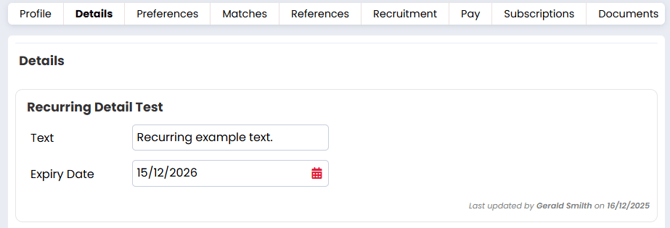
✅ Improved compliance auditing – Compliance Details now display the full surname of the user who last updated the record.
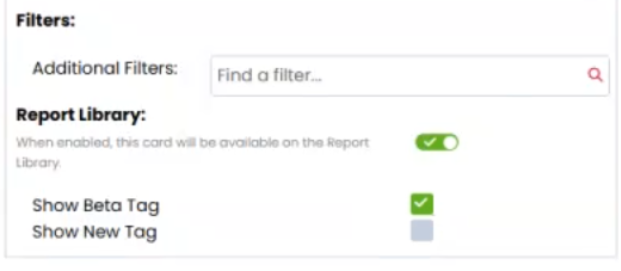
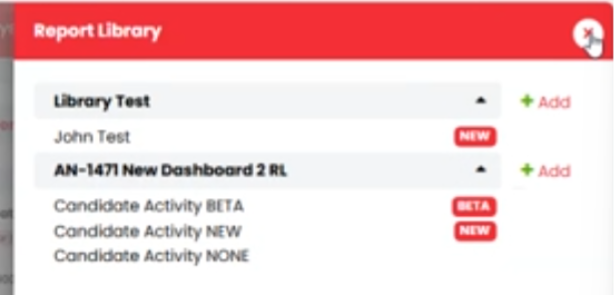
✅ Enhanced reporting and analytics – new BETA/NEW tagging in the Report Library, additional dashboard columns and filters, support for custom placement fields, and faster-loading charts.
✅ Clearer CRM and reporting data – new dataset columns including termination reasons, NI numbers, and expanded company address and hierarchy details.
✅ UI and performance improvements – quicker chart rendering, updated icons in the Recently Viewed Items panel, and usability enhancements across the Activities Library (Beta).
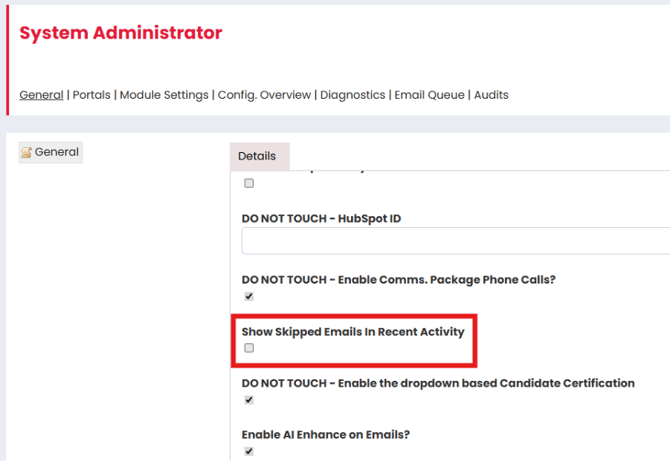
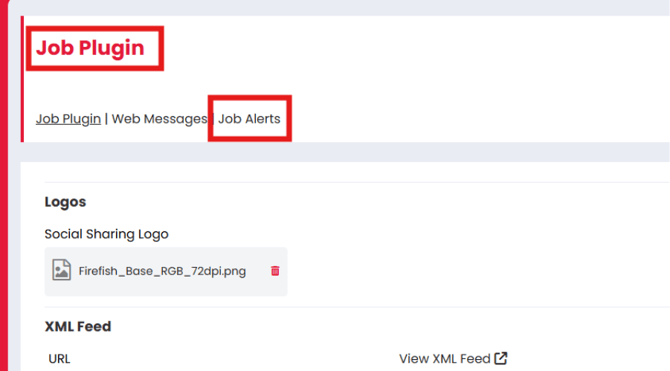
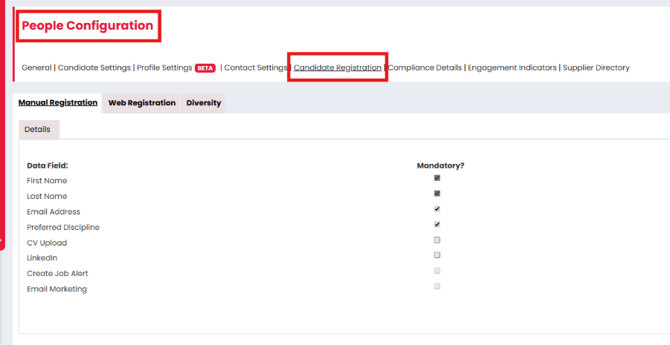
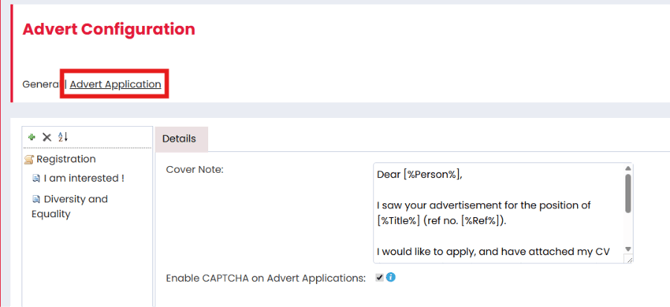
✅ Web configuration simplification – candidate registration and job-related settings reorganised for easier access, updated email modals, and cleaner recent activity views.
✅ Smarter search behaviour – Candidate Search Advanced Filters now automatically hide fields that are disabled in Profile Settings.
✅ Integration improvements – Madgex job board adverts now include timestamped reference IDs to support easier reposting.
Read on for further details on all December releases.
CRM
New Contract Workflow Custom Text Fields
New Contract Workflow Pay Configuration Fields: Apprenticeship Levy and Payroll Costs
Version(s): Basic/Professional/Enterprise
We’ve added Apprenticeship Levy and Payroll Cost to the Contract Workflow pay configuration, at the request of Red Sky Personnel.
These new fields sit alongside existing pay components and are included automatically in contract pay calculations for newly created PAYE jobs.
- Apprenticeship Levy is configured as a percentage, working in line with the other percentage-based costs.
- Payroll Cost is a fixed fee, added directly to the calculation.
Both fields can be renamed in Job Configuration, and we’ve added clear descriptions under each setting to make it easier to understand how they’re used.
Existing jobs won’t be affected by this change; all current rates and charge calculations remain the same. The new values will only apply to jobs created after the feature is enabled.
The new fields are available via the API and can be used as email merge fields, with separate fields for the percentage and calculated value to make email setup clearer and more predictable.
Reports dashboard columns for these values will follow in a future update.
Find out More
- https://fishtank.firefishsoftware.com/add-pay-additional-contract-rates
- https://fishtank.firefishsoftware.com/manage-your-contract-workflow-settings
‘Last Updated By’ on Compliance Details now includes user surname
Version(s): Basic/Professional/Enterprise
The audit text underneath Compliance Details will now show the surname of the user who made the last change.
Fish out More
Analytics
Report Library – BETA/NEW tags
Report Dashboard improvements
-
The Contracts Out dataset can now be filtered by Termination Reason (under the Sales Details additional filters)
-
The Job Summary dataset now has 9 additional columns available (under Company Summary)
-
Parent Company
-
Parent Company ID
Address Line 1 -
Address Line 2
-
Address Line 3
-
Town/City
-
County
-
Postcode
-
Country
-
-
The Sales Details dataset now has NI Number column available (under Candidate Pay Details)
Analytics
Reports Dashboard Improvements
Version(s): Basic/Professional/Enterprise
We’ve made the following improvements to the reporting options:
- Sales Details dataset
- Custom Placement Fields have been added as available columns
- This allows you to report on any custom fields that have been enabled for Job Offer
- Contracts Out dataset
- Termination Reason column now available
Performance Improvement
- Charts should now load significantly faster when you view/preview them
Recently Viewed Items side panel
Version(s): Basic/Professional/Enterprise
The icon for links to the Leads and Contracts Out pages has been updated to a tick (previously a briefcase)
Web
General Updates

-
Adverts – Bulk/Individual
-
Jobs – Bulk/Individual
-
To Do Lists
Technical
Activity Library (Beta) UI Improvements
-
General field size and header formatting changes
-
“Add” button replaced with “+Add” icon
-
Users now select a default template using the star Icon
-
Users can now save individual templates, and the delete has been moved behind the edit pencil
Integrations
Advert Reference ID Improvement for Madgex Job Boards
Version(s): Basic/Professional/Enterprise
When posting an advert to any Madgex Job Board, the Advert Ref will now be suffixed with a timestamp in order to facilitate reposting.
Find out More