When a candidate visits your jobs page they will have the option to search for a role and apply.
Here's a video to show you how it works...
If you're a Professional or Enterprise client, candidates will also be able to Register their details through your website;
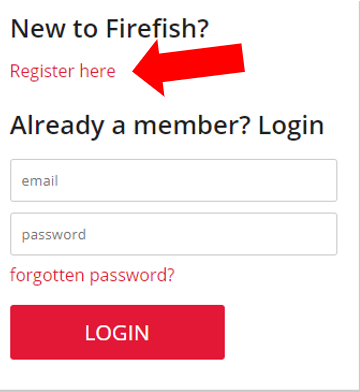
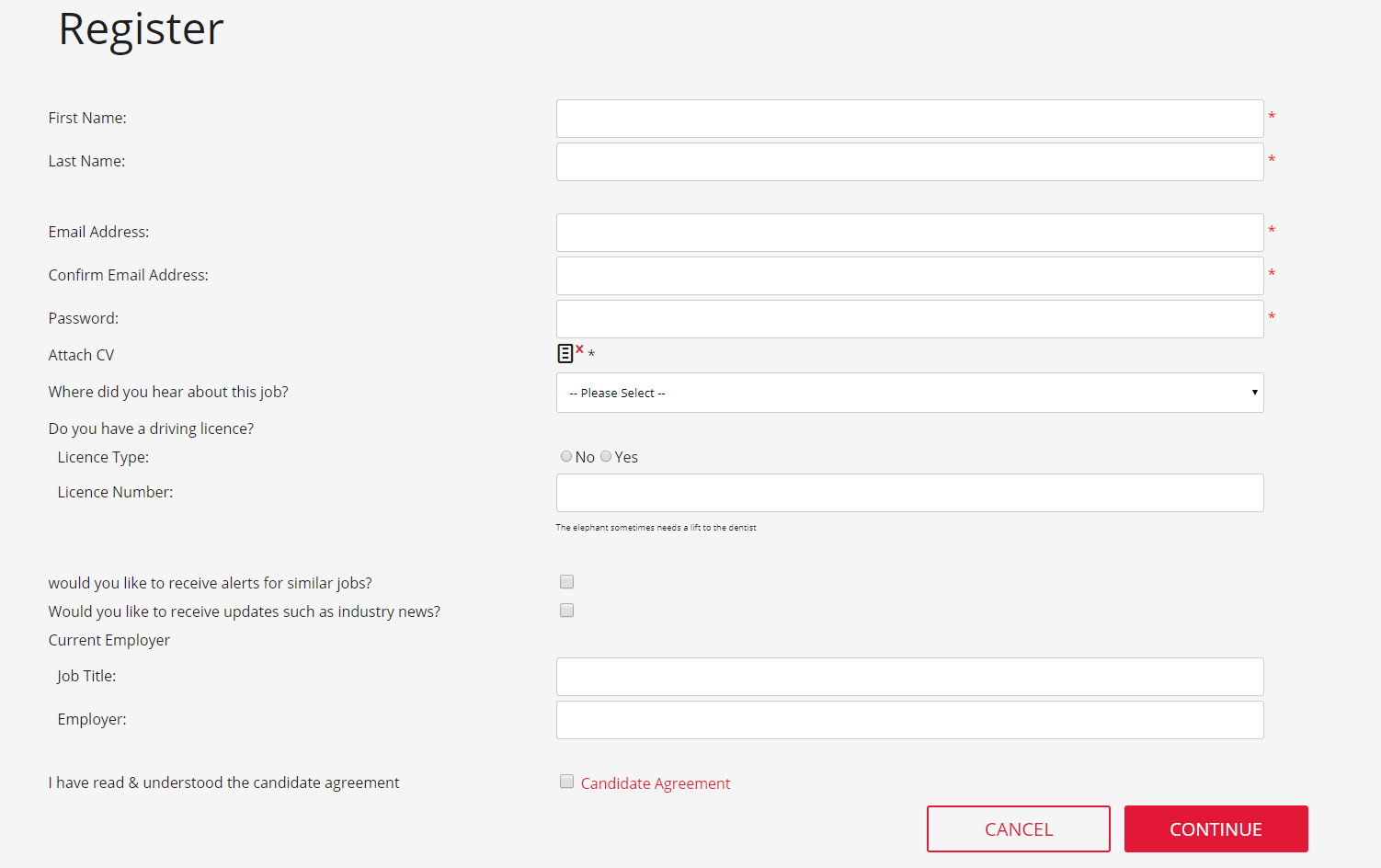
Once they click Register, candidates can complete your registration form. This will include ticking that they have read and agreed to your candidate privacy agreement;
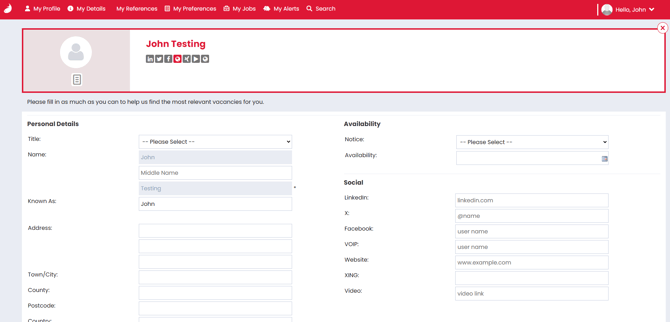
Once candidates have registered, they’ll be taken to the Candidate Portal. Here they can update their profile, preferences, job alerts, search through your live adverts;
Returning candidates
Candidates who already have a Candidate Portal account, including those who previously applied for a job, can use their existing login details to complete your website registration form again. Supported fields are pre-filled, and submitting the form updates their existing record without creating a duplicate or clearing information the form doesn’t ask for.
Re-registrations appear in your New Registrations To Do List for review. Archived candidates can also re-register; they remain archived and display an archive indicator in the list. These changes apply to website registration only—the job advert application process is unchanged.
Click here for more on the using the candidate portal.
It's important you have a great mobile journey for candidates to join your database using smartphone.
Professional and Enterprise users can allow candidates to register themselves into your database and create a Candidate Portal login.