As a Super User, you can set up and manage all Firefish integrations from Integrations settings - including the Job Board Multi posting features.
.webp?width=688&height=129&name=downloads%20(1).webp)
Note: You must be a Super User to manage settings.
To choose which external job boards to post to directly from Firefish, go to My Integrations > Job Boards. To access My Integrations, click your name in the top-right corner of Firefish.
Select the Add button on the right-hand side of the page to get started.

Choose from the list of Job Boards...
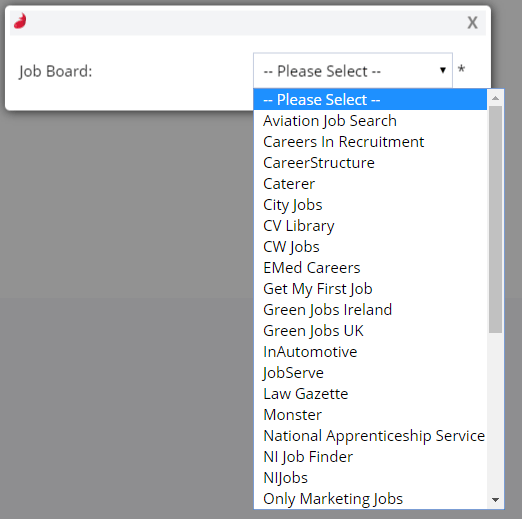
Once you've selected a job board, you can add in the individual settings relevant to each Job Board.
Note: The login credentials required to set up this integration are typically different from your personal job board login details.
For a full list of supported job board integrations, see our Supported Job Boards page.