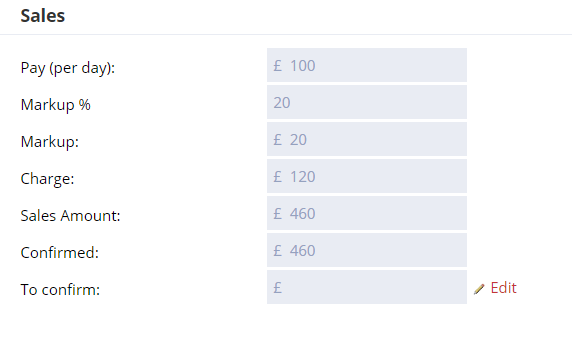
How are sales figures calculated and updated on your dashboard?
Your dashboard sales figures update automatically each time one of the following occurs:
- A permanent placement is confirmed.
- A contract placement is confirmed.
- A contract is rolled on, extended, or terminated early.
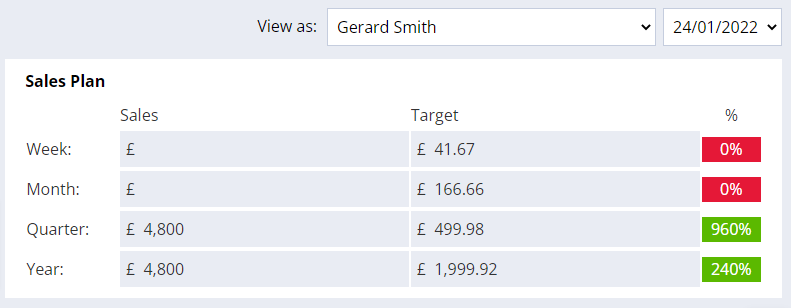
Super Users can set the targets for each user through System Settings in Firefish.
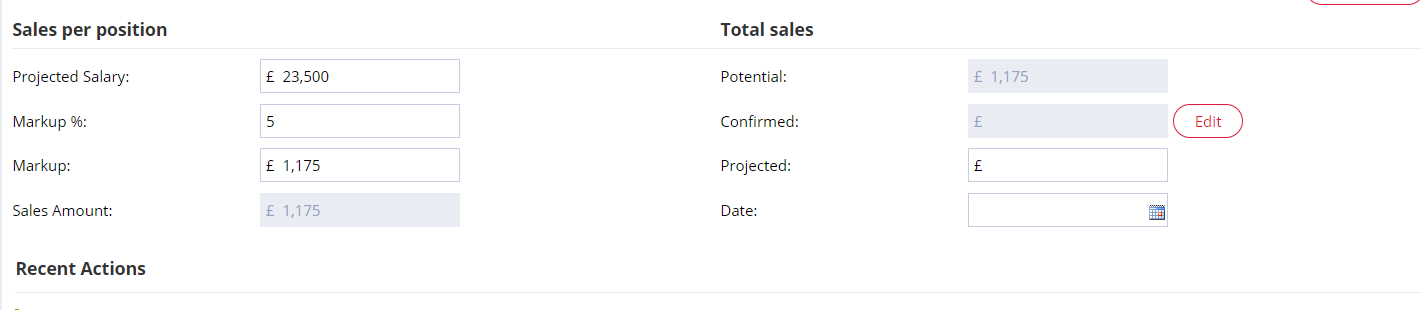
The placement value added to your sales figures is derived from the candidate’s starting salary multiplied by the percentage mark-up that you charge your clients.
Contract/rate based placements
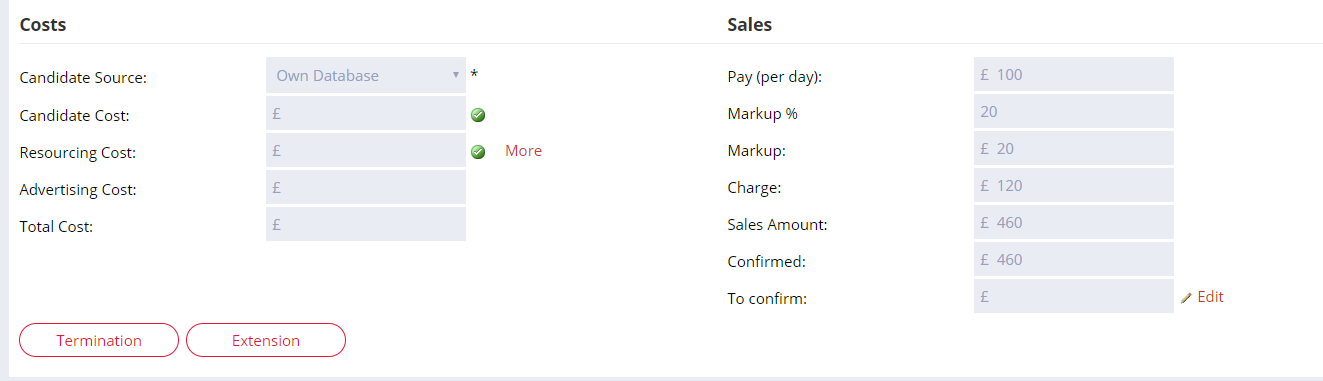
Your placement value is calculated by multiplying the difference between the client charge rate and the contractor pay rate by the duration of the contract.
Contract roll on
When rolling on the End Date of an existing contract placement/extension, the figures for that existing placement/extension will be automatically updated to reflect the increased contract length.
Contract extension
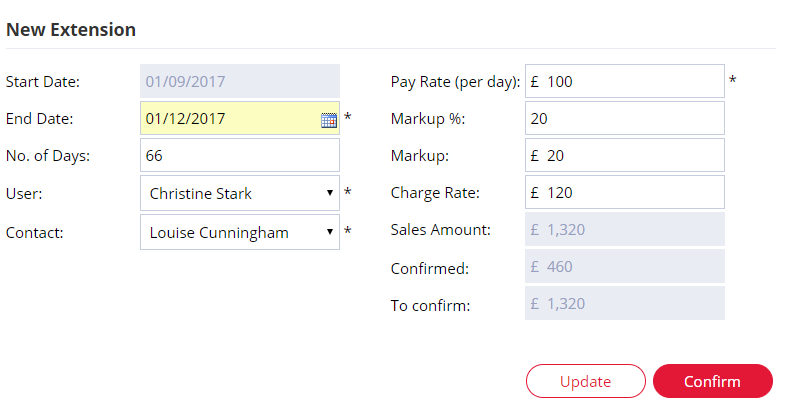
When a contract is extended, the figures for the extension will be added to your week, month, quarter and year to date values
Contract termination
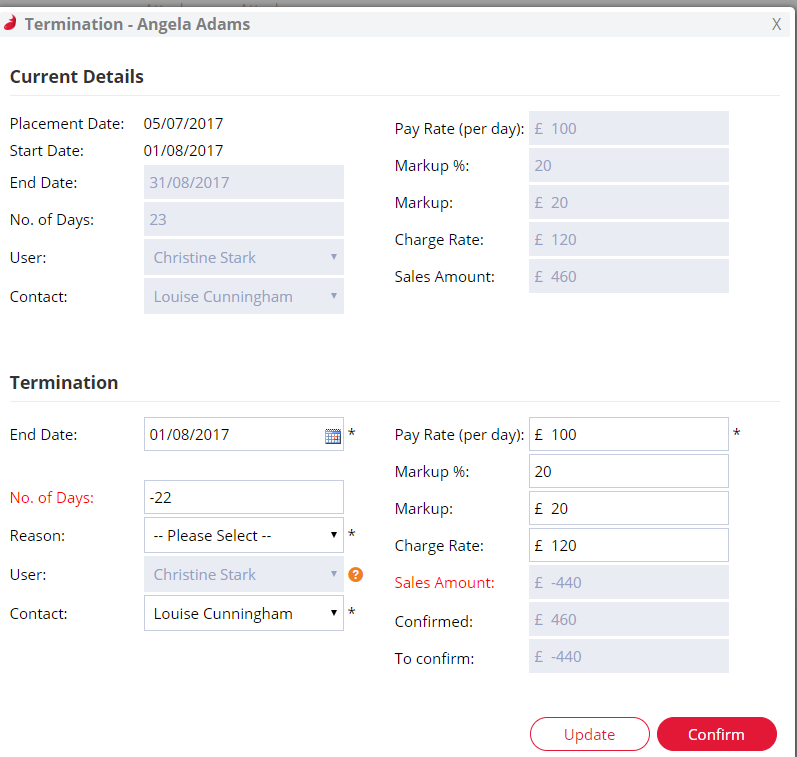
If a contract job is terminated early, the number of days by which the contract is ended early will give the resulting sales figures to be deducted from the week, month, quarter and year to date values.
Editing Placement Sales Figures
Super Users are able to edit the sales figures after the placement has been made. You can do this from the placement screen. Editing these figures will change the totals that are seen on the dashboard as well as the placement reports.