If you are running into issues with job board integrations in Firefish, this guide pulls together all the key fixes, facts, and frequently asked questions.
- Where can I edit job board settings?
- My credentials are not working.
- Why do job board and Firefish application numbers differ?
- Reed applications not coming through.
- Job board monthly allowance period.
- Common job board errors and fixes.
Where can I edit job board settings?
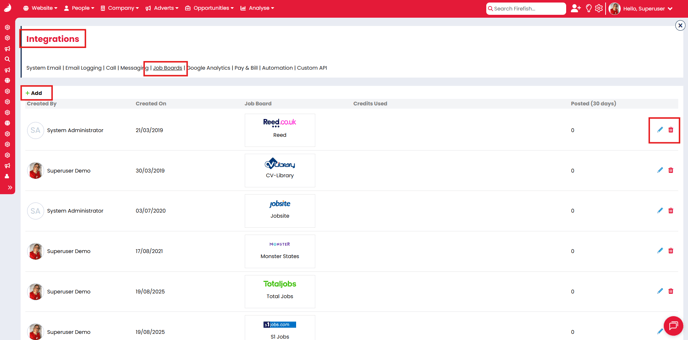
You can find most job board settings in Settings > Integrations > Job Boards. Currently, the only exceptions are Google for Jobs and Indeed. Here you will be able to add, edit, and delete any integrations.
My credentials are not working.
The credentials used for integrations are usually specific to a third-party integration, these may differ from your personal credentials. Please contact the job board directly and specify that you intend to use their Firefish integration.
Why do job board and Firefish application numbers differ?
If you are using the Direct Apply URL feature with job boards, you might notice different application totals between job boards and Firefish.
Most job boards collect basic candidate details before redirecting them to Firefish. That action counts as an application on the job board, even if the candidate does not complete your form.
- Firefish only records submitted applications.
- Job boards may register interest earlier in the process.
- Candidates drop off before completing the Firefish form.
In most cases, job boards do not close adverts automatically, the length of time an advert will be live on a job board for will depend on the job board and your specific contract with them. Please check directly with your job board account manager for clarification.
Reed applications not coming through
If you are not receiving applications from Reed:
- Did you edit your advert directly on the Reed platform?
- Any manual changes in Reed will break the integration.
- Repost the job from Firefish to re-enable the link.
Job board monthly allowance period
- Allowance resets 1 month from the most recent change (enable or edit)
- The job board API does not manage billing — numbers are estimates only.
- Features available on Pro and Enterprise only.
Common job board errors and fixes
Incorrect credentials
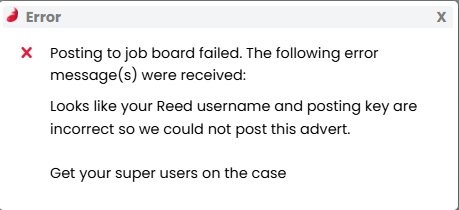
This usually means the username or password entered is incorrect or hasn’t been set up specifically for integration use.
→ Double-check and re-enter the correct credentials.
Insufficient credits
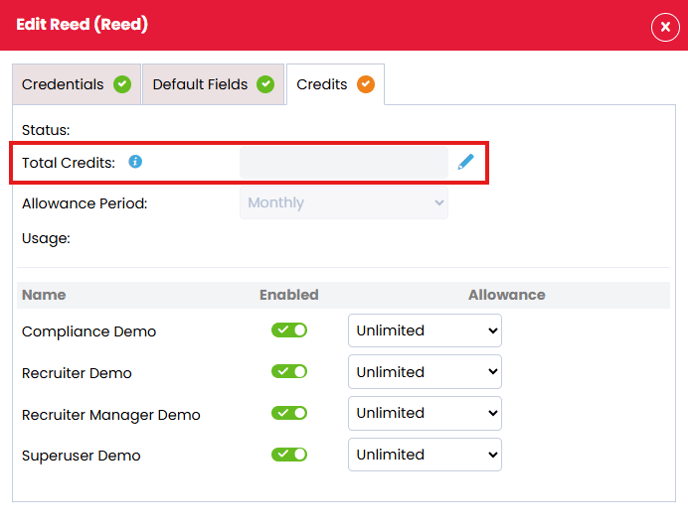
Many boards offer multiple post types, and your integration might be using the wrong one.
→ Confirm the post type and ensure credits are correctly allocated.
No applications
This can happen if Direct Apply isn’t active.
→ Make sure the integration is fully enabled and configured in Firefish.
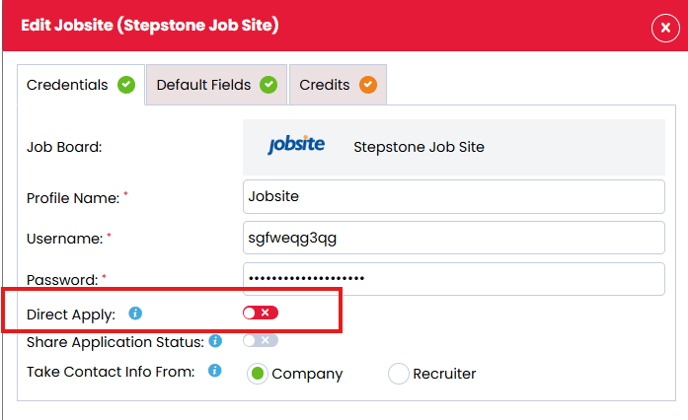
Wrong posting identity
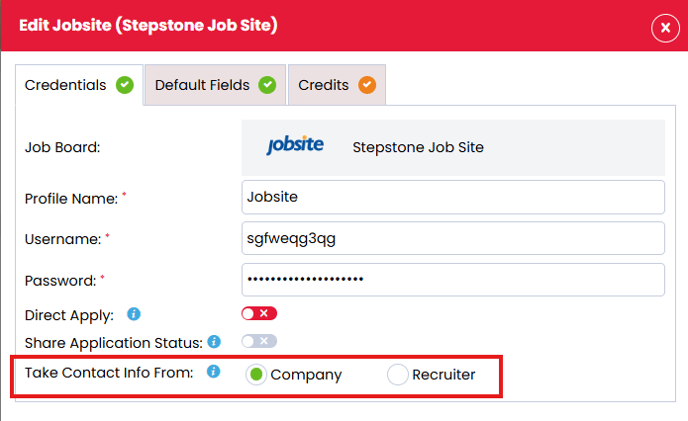
Check whether the advert is set to post under the company or the recruiter.
→ Update this using the Primary Owner field on the advert.